

What is Virtualization?
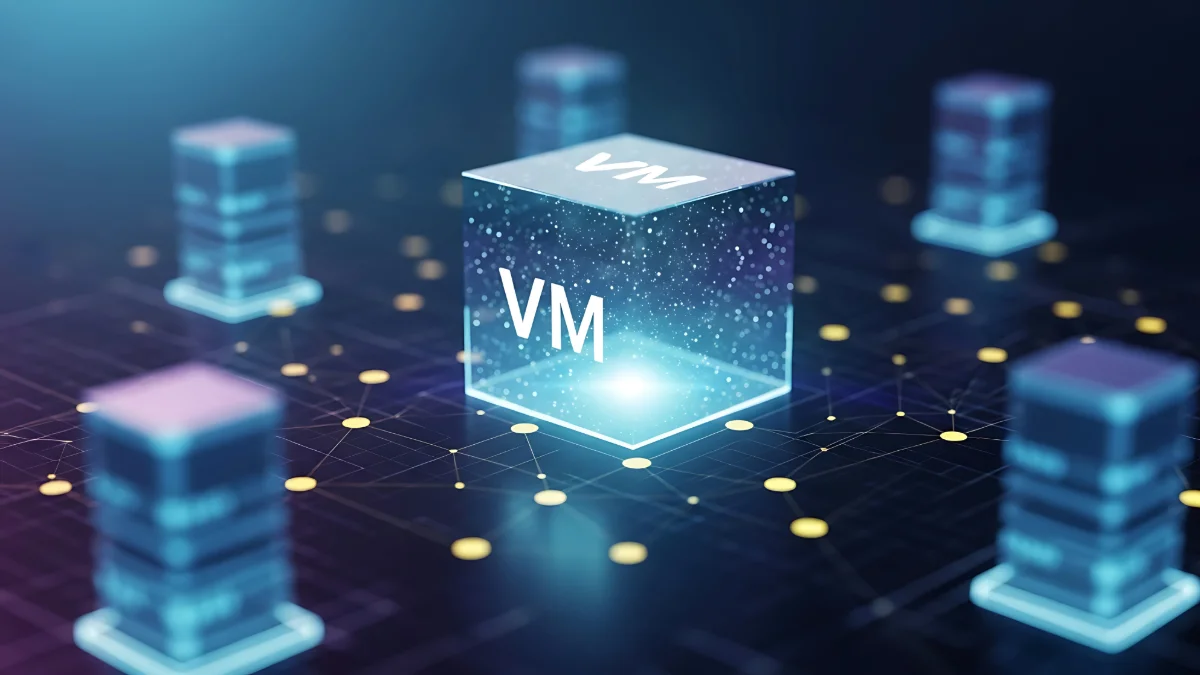
Virtualization is the abstraction of physical IT resources such as servers, data storage, and networks through a "Hypervisor" layer, converting them into multiple logical resources. In other words, thanks to this technology, businesses can run multiple operating systems or applications simultaneously and with high performance as isolated virtual machines (VMs) on a single physical server (Host). Virtualization ensures more efficient use of resources, reduced costs, and more flexible management of the BT infrastructure. Detailed answers to questions like what is virtualization and what are its types are in the rest of our article!
Virtualization creates a flexible management layer between physical resources and operating systems by eliminating hardware dependency. While this architecture ensures that IT infrastructures become more agile, manageable, and scalable, it offers consolidation advantages by preventing resource waste. Thanks to virtualization technology, it becomes possible to interact with hardware resources in a flexible and efficient manner.

What is the Function of Virtualization?
In IT infrastructure modernization, enabling virtualization is basically the first step that allows companies to transform their physical resources into a much more efficient, flexible, and secure architecture. Dividing resources into isolated virtual environments (Workloads) optimizes both capital (CAPEX) and operational (OPEX) expenditures while simplifying management processes. With Server Virtualization, generally idle processor (CPU), memory (RAM), and disk resources are utilized with maximum efficiency. Reducing the number of physical servers provides serious savings in hardware, energy, cooling, and maintenance costs, while also lowering the carbon footprint. Virtualization is also a flexible solution for businesses. New virtual servers can be created quickly according to need, and resources can be instantly scaled up or down. Virtualization forms the basis of Business Continuity and Disaster Recovery strategies. In the event of a possible hardware failure, virtual machines are moved (Migration) to other functioning physical servers with no interruption or minimum downtime, ensuring High Availability. Thanks to the isolation capability of virtual machines, a problem experienced in one system does not affect other workloads. Additionally, isolated "Sandbox" test and development environments, independent of live systems (Production), can be quickly created, allowing new applications to be deployed safely without taking risks. You too can achieve cost savings with virtualization, which is widely used in the entire IT architecture from data centers to cloud computing!
Virtualization Example
The following example may be useful in understanding the function of virtualization technology: Imagine there is a single physical server in a company.
This server has:
• 64 GB RAM
• 16-core processor
• 2 TB storage space.
Without virtualization, this server runs only a single operating system and a few applications, so a large portion of the resources remains idle. In the event of activating the virtualization layer; a Hypervisor is installed on this physical server and resources are shared as follows:
• Virtual Server 1: Windows Server Accounting application
• Virtual Server 2: Linux Website and API services
• Virtual Server 3: Linux Database server
Each virtual server:
• Has its own operating system.
• Works completely independently of one another.
• Uses as much CPU, RAM, and disk as necessary.
As can be understood from this example, thanks to virtualization, the need for 3 different servers can be met with a single physical server. Hardware and energy costs decrease, and even if a problem occurs in one virtual server, the others are not affected. When a new server is needed, it can be created within minutes.
What Are the Types of Virtualization?
Virtualization types are categorized based on which resource is being virtualized. Knowing the virtualization types and their features is quite important to select the right virtualization solution.
Server Virtualization
Server virtualization is the partitioning of a physical server into multiple virtual servers. In this type of virtualization, each virtual server has its own operating system. With server virtualization, businesses can run multiple independent operating systems, all with different configurations, using a single server. Its biggest advantage is reducing hardware costs, facilitating management, and providing scalability.
Application Virtualization
Application virtualization allows applications to be run independently of the operating system. The application is not fully installed on the user device. Its most prominent advantage is offering ease of installation and updates, and ensuring the prevention of application conflicts.
Desktop Virtualization
Desktop virtualization (VDI) is the hosting and management of end-user operating systems and desktop environments virtually on central data center servers. The prominent advantages of this virtualization type are security, centralized management, and the ease of remote work it offers.
Storage Virtualization
Storage virtualization is the management of different physical storage units as if they were a single virtual storage pool. The flexible capacity management, high performance, and data redundancy offered by storage virtualization are its most important advantages.
Operating System Level Virtualization (Container)
This is the running of applications as isolated packages (Container) by sharing the host operating system (Host OS) kernel directly, without the need for a traditional virtual machine. Lightweight structure, rapid deployment, and compatibility with cloud and microservices architectures can be listed as the most important advantages of this virtualization.
Network Virtualization
Network virtualization is the software-based virtualization of the physical network infrastructure. This type of virtualization allows the entire computer network to be managed and monitored as a single management entity. The advantages provided by network virtualization are more flexible network management, rapid configuration, and advanced security.
You can modernize your IT infrastructure with virtualization solutions suitable for your business needs and take one step closer to the Software-Defined Data Center (SDDC) vision. While increasing efficiency and reducing operational costs, virtualization technologies transform infrastructure management from a complex hardware operation into an agile structure. As GlassHouse, we are by your side for your professional service needs. Click now for information.