

Virtual Machine vs. Container
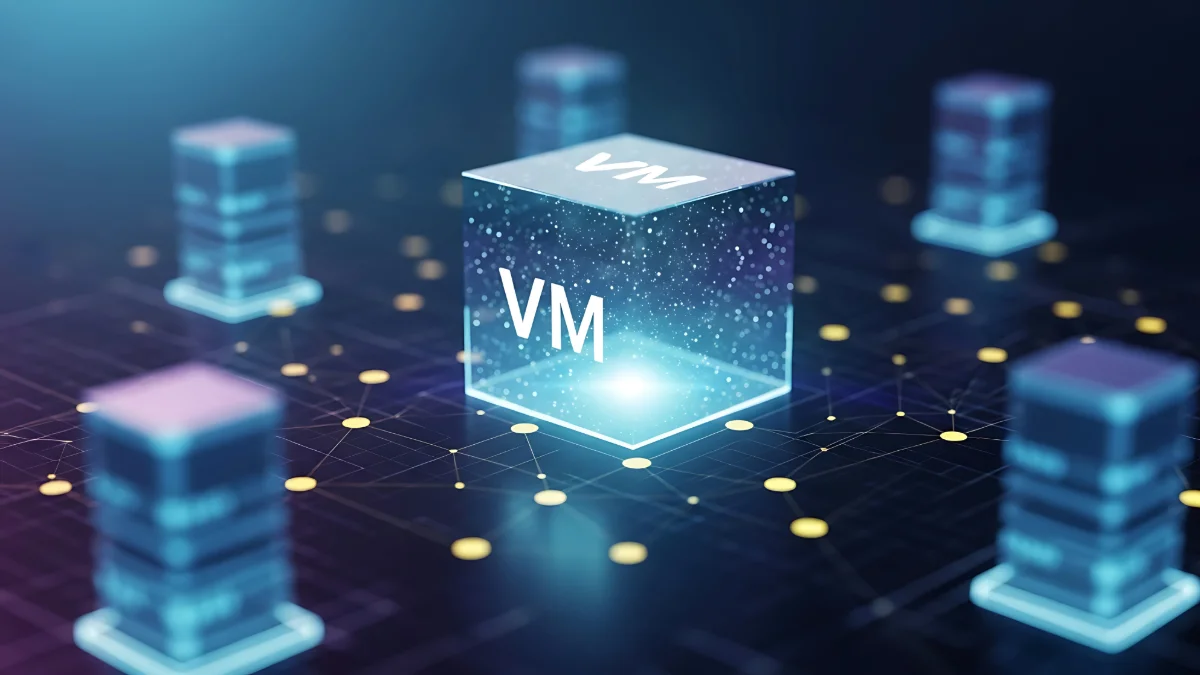
A Virtual Machine (VM) is an isolated computing environment that emulates physical hardware through software. In this article, you will find the answers to questions such as what is a virtual machine, how it works, why it is used, and how it differs from container technologies. A virtual machine enables multiple guest operating systems (Guest OS) to run independently on a single physical server (host) through the hypervisor layer. Here is everything you need to know about what a virtual machine is and what it is used for, one of the fundamental building blocks of enterprise IT infrastructures.
To understand the differences between VMs (virtual machines) and container technologies, it is first necessary to understand the core characteristics of both architectures. Below, you can explore in detail why virtual machines are used, why containers are used, how these solutions work, and which scenarios they are best suited for.
What Is a Virtual Machine and What Is It Used For?
As mentioned above, a virtual machine is a software-based isolated system that emulates the hardware components of a physical computer, such as the processor, memory, and storage, allowing it to run its own operating system and applications. So, what is a virtual machine used for? Here's the answer! Virtual machines enable a single physical server to operate as if it contained multiple independent computers. Each virtual machine has its own operating system, file system, and application environment. As a result, different systems can run in complete isolation from one another, ensuring that an issue affecting one virtual machine does not impact the others. This architecture is particularly preferred for creating test environments, evaluating different software versions, and performing secure software development. In addition, organizations use virtual machines to reduce physical server costs and utilize hardware resources more efficiently. Running multiple servers on a single hardware platform provides significant advantages in terms of both cost and management. Although virtual machines are more resource-intensive than container technologies, they provide stronger isolation, making them the preferred choice for systems with stringent security requirements. For this reason, they continue to be widely used in industries such as banking, enterprise systems, and critical infrastructure.
What Is a Container and What Is It Used For?
A container is a lightweight virtualization technology that packages everything an application needs to run—including libraries, frameworks, dependencies, and configuration files—into a single unit. Unlike virtual machines, container architectures do not run a separate operating system. Instead, they share the host operating system's kernel. This architecture enables containers to start much faster, consume fewer resources, and offer greater portability. The primary purpose of container technology is to ensure that applications run consistently across different environments. An application tested in a development environment delivers the same performance in testing and production environments thanks to containerization. This eliminates the common "it worked on my machine" problem frequently encountered by IT teams. Containers are widely used in microservices architectures, CI/CD pipelines, and modern cloud-native applications that require dynamic scaling. Furthermore, since each container runs only a specific microservice or application, systems become more modular and can be updated without disruption. By delivering high resource efficiency and density, container architectures enable significantly more workloads to run on the same physical server, providing both cost and performance advantages in cloud-based environments.
While you're here, you may also be interested in our article titled What is Virtualization? What Are the Types of Virtualization?.

Virtual Machine vs. Container Comparison Table
| Feature | Virtual Machine | Container |
|---|---|---|
| Architecture | Each virtual machine has its own operating system and runs on a hypervisor. | Shares the host operating system's kernel. |
| Resource Usage | Consumes more CPU, RAM, and storage resources. | Consumes significantly fewer resources thanks to its lightweight architecture. |
| Startup Time | Starts more slowly because a full operating system must be loaded. | Can be launched within milliseconds. |
| Isolation Level | Provides strong isolation, with each VM operating completely independently. | Provides moderate isolation due to kernel sharing. |
| Performance | Relatively heavier due to hardware virtualization. | Delivers performance closer to native. |
| Use Cases | Enterprise systems, legacy applications, and security-focused environments. | Microservices, CI/CD pipelines, and modern cloud-native applications. |
| Scalability | Relatively slower and heavier to scale. | Can be scaled quickly and flexibly. |
When Should You Use Which?
What are containers and what are virtual machines used for? Whether to choose a virtual machine or a container depends entirely on business needs and infrastructure requirements. Although both technologies provide powerful solutions for modern data centers and cloud environments, they differ significantly in terms of architecture and use cases. Virtual machines are preferred for scenarios that require complete hardware isolation, independent operating system support, and a high level of security. They provide a reliable foundation for highly regulated enterprise systems with strict security requirements, as well as for the modernization of legacy applications. Industries such as finance, banking, and critical infrastructure management rely heavily on this architecture. Container technologies, on the other hand, excel in scenarios where speed, agility, and efficiency are the priorities. They are ideal for microservices architectures, modern web applications that require rapid deployment, and continuous integration/continuous delivery (CI/CD) pipelines. Containers consume fewer resources, can be launched within seconds, and scale dynamically as needed. In summary, if hardware-level isolation, complete control, and robust security are the priorities, virtual machines are the preferred choice. If speed, operational flexibility, and resource efficiency are more important, container architectures should be selected.