

IP Address Features and Types
IP, which stands for "Internet Protocol," is an identification number that enables devices connected to the internet to communicate with and recognize each other. An IP address is a unique network identity expressed with dots in the IPv4 standard and with colons in the IPv6 standard. In summary, the question what is an IP address can be answered as a logical addressing architecture that enables devices (servers, computers, mobile devices, etc.) on the internet or a local area network (LAN) to identify each other and securely exchange data. By continuing to read, you can find detailed answers to questions such as what types of IP addresses exist, what is a static IP address, how to find an IP address on a phone, printer, or computer, what a dynamic IP is, and how to change an IP address.
In the list below, you can see the core features and types of IP addresses.
- IP addresses determine the location of devices connected to a network and ensure that data packets reach the correct destination.
- There are two versions of IP addresses: IPv4 and IPv6. While IPv4 offers a limited number of addresses with its 32-bit structure, IPv6 provides trillions of addresses thanks to its 128-bit structure.
- A Public IP address is assigned by an Internet Service Provider (ISP) to the WAN interface and is accessible from the outside world. A Private IP, on the other hand, is an internal network address assigned to devices within a local area network (LAN) in corporate networks or offices.
- IP addresses can be dynamic or static. Dynamic IP addresses change at certain intervals, while static IP addresses remain fixed and are typically preferred for servers.
What Is a Static IP Address?
As stated in the definition of an IP address, every device connected to the internet is assigned an identification number. This identifier is unique to the device and does not change over time. This unique identifier, referred to as a static IP, remains constant for every connection. The main characteristics of static IP addresses are as follows.
- A static IP address does not change with each connection, unlike a dynamic IP address.
- Static IP addresses defined by network and system administrators (Network Administrators) or Internet Service Providers (ISPs) are permanently assigned to corporate gateways or critical hardware within the local network.
- In corporate architectures, common use cases include Site-to-Site VPN connections, remote desktop access (RDP), hosting, and access to internal security systems. Web, email, and database servers require this unique identifier (Static IP) to ensure uninterrupted service. Additionally, if you want to remotely access or control smart devices in your home, this can be achieved via a static IP.
While a static IP address provides an uninterrupted and stable connection, it also facilitates remote access to devices. In addition, it should be noted that static IP services, which are typically offered at an additional cost within corporate packages, may require specific configurations on gateway and firewall devices.
What Is a Dynamic IP Address?
So, what is a dynamic IP address? As the name suggests, this address is a temporary IP number assigned to devices by the Internet Service Provider (ISP). Dynamic IP addresses can automatically change each time an internet connection is established or at certain intervals. This enables more efficient utilization of the IP pool while also providing a basic level of cybersecurity advantage by making external targeting more difficult.
Dynamic IP addresses, which are typically provided as the default for most home users, make it easier to distribute a limited IP pool across a wide user base. Since they do not require setup and generally do not incur additional costs, dynamic IPs stand out as a practical solution. However, it should be noted that the continuous change of the IP address may require additional configuration in certain advanced use cases such as remote access or server setup.
Features and Advantages of Dynamic IP Addresses
- The IP address changes automatically at certain intervals or with each connection.
- It does not require additional setup or manual configuration and is user-friendly.
- It is generally included in internet packages and does not create extra costs.
- The variability of the IP address makes it harder to continuously track the same target from outside, providing a basic level of security.
- It helps Internet Service Providers distribute IP addresses more efficiently.
Disadvantages of Dynamic IP Addresses
- Since the IP address changes continuously, corporate remote access (Remote Access) and VPN processes may become more complex without additional solutions such as Dynamic DNS (DDNS).
- It may not be suitable for users who want to set up web, gaming, or email servers.
- Compatibility issues may occur with certain applications and systems that require a fixed IP.
How to Find an IP Address?
If you are wondering, "What is my phone’s or my computer’s IP address?" you can find the answer in this section. Here are the details!
How to Find an IP Address on a Phone?
You can follow the steps below to find the IP address on smartphones:
- On Android devices: Go to Settings - Network & Internet - Wi-Fi. Tap the connected network to view your IP address.
- On iPhone (iOS) devices: Go to Settings - Wi-Fi. Tap the information (i) icon next to the connected network to view your IP address.
How to Find an IP Address on a Computer?
The method of finding an IP address on computers may vary depending on the operating system used:
- Windows: Type “cmd” in the Start menu to open the Command Prompt and enter the command "ipconfig". You can see your device’s local (Private) IP address in the “IPv4 Address” line.
- Mac: Go to System Settings - Network. Select the connected network to view your IP address.
How to Learn Your Public IP Address?
To learn your public IP address, simply type “what is my IP address” into any search engine. In the results, you can instantly see the public IP address assigned to you by your Internet Service Provider.
How to Change an IP Address?
The IP address change process can be performed using different methods depending on the device and connection type. Generally, the IP address can be changed by restarting the modem, using a VPN, or contacting the Internet Service Provider.
Methods for Changing an IP Address
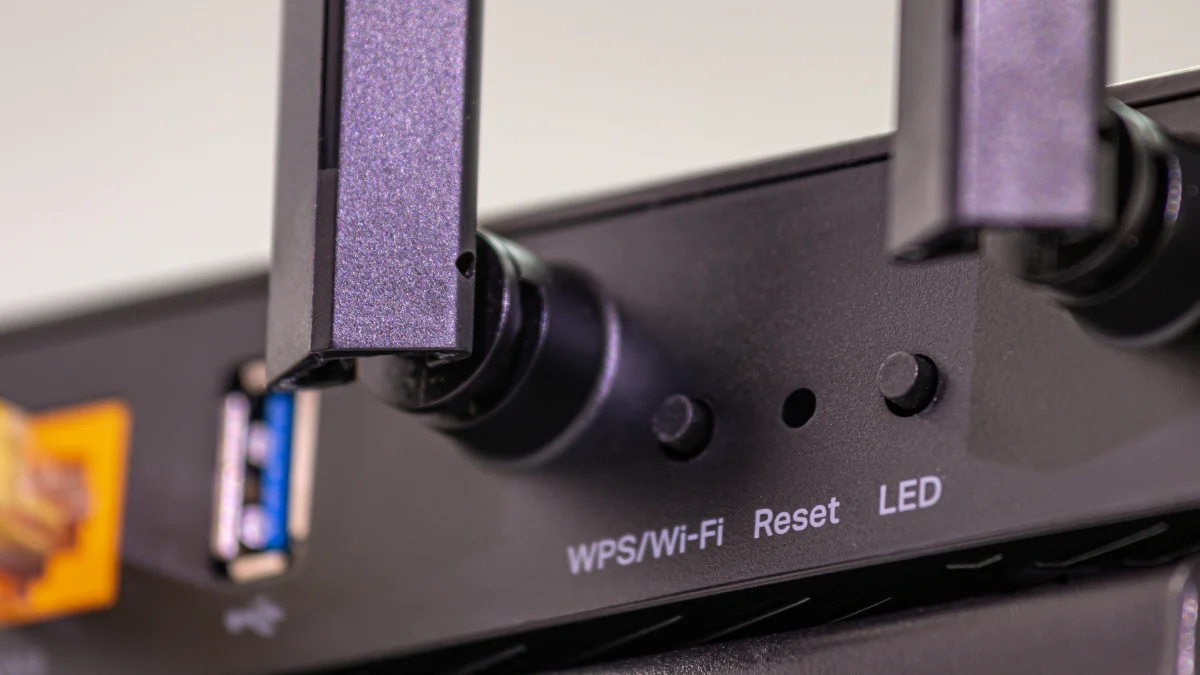
- Restarting the Modem: In connections using dynamic IP, turning the modem off and on may result in a new IP address.
- Using a VPN: By using a Virtual Private Network (VPN), you can connect to the internet from a different location and change your IP address.
- Using Mobile Data: Switching from Wi-Fi to mobile data allows you to obtain a different IP address.
- Contacting the Internet Service Provider: If you are using a static IP, you need to request a change from your service provider.
The process of changing an IP address may be preferred for various purposes such as privacy, security, or bypassing access restrictions. However, depending on the method used, connection speed and access quality may vary.
You may also be interested in our article titled “What Is a Port? Basic Information for Network Security”.
Frequently Asked Questions
What can be done with an IP address?
An IP address enables devices on the internet to recognize each other and exchange data. Accessing websites, sending emails, and using online services all occur via IP addresses.
How to find a phone IP address?
A phone’s IP address can be easily found through Wi-Fi settings. On Android devices, it can be viewed by accessing the connected network details, while on iPhone it can be seen in the Wi-Fi information section.
How to find a computer IP address?
On Windows computers, the IP address can be viewed by opening “cmd” and typing the ipconfig command. On Mac devices, IP information can be accessed from the Network settings section.
What is the purpose of an IP address?
An IP address enables devices to be identified on the internet and helps data packets reach the correct destination. This allows communication over the internet.
Where is the IP address displayed?
The IP address can be found in the device’s network settings. It can also be learned via the modem interface or by searching “what is my IP address” online.
How to find a printer IP address?
The IP address can be found by accessing network settings from the printer’s control panel or through the modem interface it is connected to. On some printers, the IP information can also be displayed by printing a test page.
How can I change my IP address?
An IP address can be changed by restarting the modem, using a VPN, or requesting a change through the Internet Service Provider.
Does exposure of an IP address pose a security risk?
The exposure of an IP address by cyber attackers does not, by itself, mean that a device will be hacked or accounts will be compromised. However, malicious actors may perform open port scans through this address, launch DDoS attacks against your IT infrastructure, or conduct a rough geolocation at the ISP level.